How to Print a Personalized Children's Book (Without It Looking Cheap)
The difference between a printed book your kid treasures and one that gets put in a drawer comes down to about six choices. Here's each one.
Quick answer
A printed picture book looks cheap for four fixable reasons: paper too thin, the wrong finish, the wrong trim size, and images below print resolution. This post covers hardcover versus softcover, paper weight, matte versus glossy, trim size, and where the money is actually worth spending — based on what shows up in the finished object rather than what the print shop upsells. Includes what to check in your file before you order, since that is where most disappointing books go wrong.
Anyone can hit "print" on a digital picture book. Whether the thing that arrives is something your kid treasures or something you quietly slide into a drawer comes down to a handful of choices.
Here's the whole decision tree, in order.
1. Hardcover vs softcover
For a personalized children's book, hardcover wins almost every time. Three reasons:
- Durability. A 4-year-old does not handle a softcover well. Spines crease, covers curl, corners bend after one bedtime.
- Gift value. A hardcover feels like a real book. A softcover feels like a print-on-demand novelty.
- Survival. The first printed book of your kid will get re-read for years if it survives. Hardcover survives.
Softcover is fine when you're printing five copies for grandparents and want to keep the total under fifty dollars. For the main copy that lives in the bedroom: hardcover.
2. Paper weight
If the printer offers a choice, pick the heaviest standard paper they offer — usually 150-170 gsm matte or satin. Lightweight paper bleeds through, especially with the dark color blocks common in storybook art.
If the only option is "standard," that's usually fine for a first try. If you've printed before and the pages felt thin, upgrade.
3. Matte vs glossy pages
Matte for children's books. Almost always.
Glossy looks fancier in product shots but creates two problems for kids: glare under lamps (which is exactly when you'd read together) and fingerprints (which are 100% inevitable with a small child). Matte handles both.
The exception is if your illustrations are heavily photo-realistic — glossy can make those pop. For watercolor, hand-drawn, classic storybook, and most of the styles in art styles, matte wins.
4. Trim size
Square (around 8x8" or 21x21cm) is the picture-book standard for a reason: it works for full-bleed art, sits well in a kid's lap, fits the shelf next to everything else.
A4 or letter-shaped books often look like printouts of a PDF. Avoid them unless you specifically want a "school project" feel.
5. Page count
Twelve to sixteen spreads is the sweet spot. Twenty-four spreads is too long for most 4-year-olds and starts to add real cost. If your story is shorter, don't pad it — short well-paced books beat long meandering ones.
When you generate a book in the creator, most tools will offer a default page count. Trust the default the first time. Once you've held a printed copy, you'll know whether you want to go shorter or longer next round.
6. Image resolution
This is the silent killer of print quality. The screen version looks great. The printed version looks like a JPEG from 2008.
A few rules:
- 300 DPI at the print size. For an 8x8" page, that means each illustration should be at least 2400x2400 pixels.
- Re-generate any illustration that came out at small size. Don't upscale a small image with a generic upscaler; ask the AI to render it again at higher resolution.
- Check thin lines. Hand-drawn-style books with fine pencil work suffer most. Print one test page if you're not sure.
A good picture book creator will output images at print-ready resolution by default. If yours doesn't, that's a sign to switch tools before printing.
7. Cover
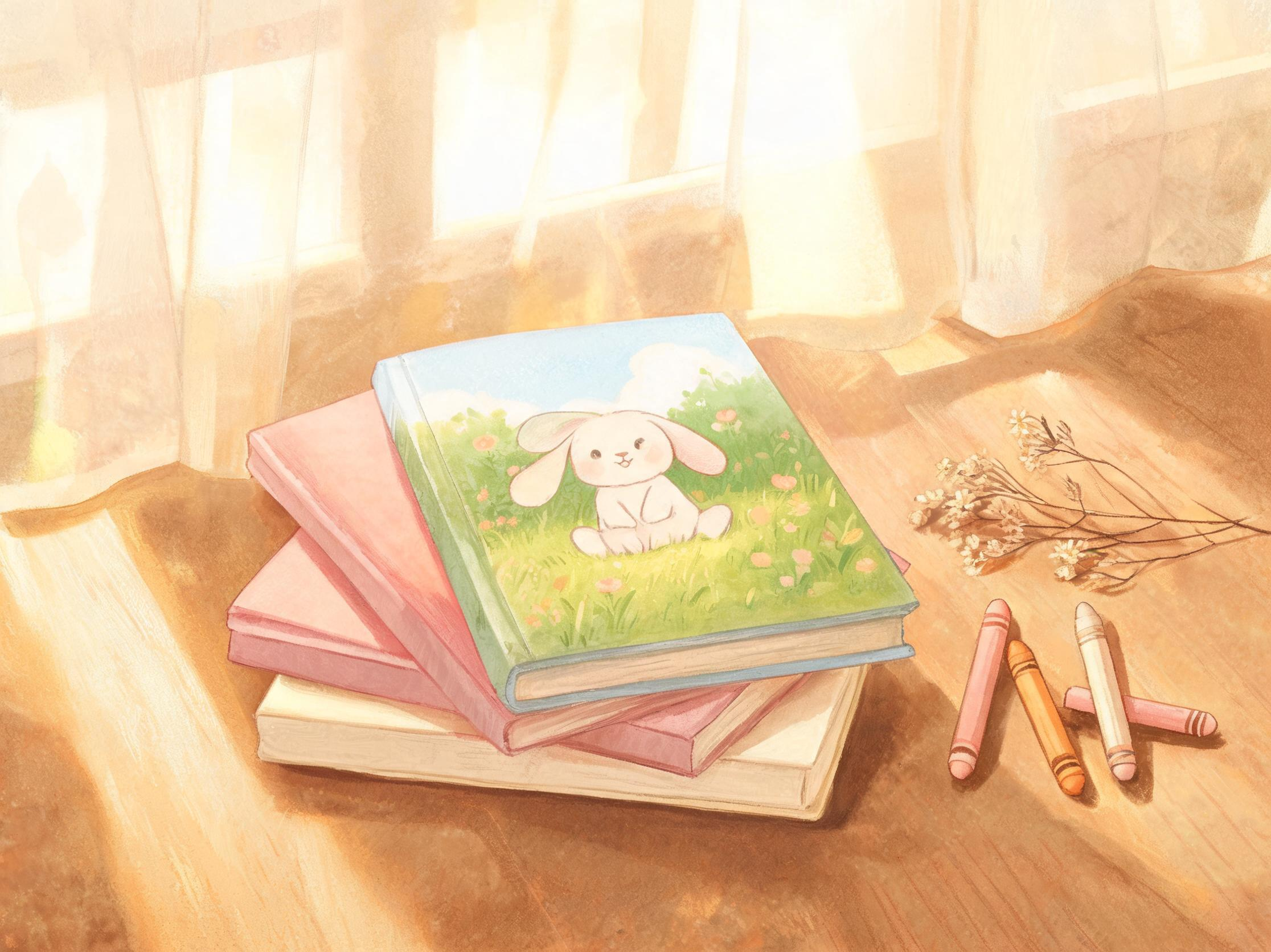
The cover does more work than any single spread:
- Title on the cover, big. Kids find their book on the shelf by reading the cover.
- The protagonist clearly visible. Their face. Not their back.
- A subtitle that names the personalization. "A story about Ben" or "For Mia" makes the book feel like theirs at a glance, not generic.
- Author line. Put your name (or the kid's name as illustrator). It signals care.
The back cover is bonus space. A one-sentence summary plus a small dedication is plenty. Don't load it up.
8. Dedication and copyright page
Spend two minutes here. A dedication page costs nothing extra and is the page the kid will reread for years.
A simple template:
For Ben, who asked for one more story every night.
Love, Mom & Dad May 2026
Skip the copyright page in personalized books. It's a private edition, not a published one. The dedication is the only front matter that matters.
9. When to print proof copies
If you're printing more than three copies as gifts, print one proof first. Spend the extra week of shipping. Two things go wrong on first prints that you can only catch in your hands:
- A spread where the binding cuts into critical art (the "gutter problem").
- An illustration that looked great on screen but is muddy in print.
Both are fixable. Both are unfixable after you've shipped twelve copies to relatives.
10. Cost expectations
Rough ranges for a 16-spread, 8x8" hardcover personalized book in 2026:
- Budget print-on-demand: $25-35 per copy. Acceptable for gifts. Don't expect bookstore-quality binding.
- Premium print-on-demand: $45-60 per copy. Solid binding, real paper, looks like a book from a shop.
- Small-run offset (10+ copies): $20-30 per copy at quantity, with a several-week lead time. Best per-copy quality. Worth it if you're doing a class gift or a family edition.
If this is the first printed book your kid will own, spend at the premium tier. The marginal cost is the price of one toy and the book outlasts every toy by a decade.
Putting it together
A reasonable recipe for a great first printed book:
- Hardcover, square trim, matte interior, 150gsm+ paper, 14 spreads.
- Title big on the cover, kid's face clearly visible.
- A dedication on page 1 and nothing else in the front matter.
- Print one proof, then order the gift copies.
The total time from "I want to make a book" to "the book is in my hand" is about a week with shipping. Most of that is the printer. The book itself is built in an afternoon.
When you're ready, start with the creator and aim for print quality from the first generation — it's much easier than fixing it after.
The first printed personalized book about your kid is one of those small artifacts they'll still have at thirty. It's worth a couple of careful choices.
About the author
Andy — Andy is the founder of Doodara and builds the illustration pipeline behind it — the part that has to keep a child's character looking like the same child on every page of a book. Most of that work is character consistency, content safety for material aimed at young children, and the unglamorous business of making a generated book good enough that a family reads it twice.