Doodara vs Google Gemini Storybook (2026): Both Are Free — Here's When to Use Each
Google's Gemini Storybook is free, instant, and genuinely useful. Doodara is also free to start with no sign-up. Here's a fair comparison so you can pick the right one for your child's book.
Quick answer
Google Gemini Storybook and Doodara are both free, and the real difference is what happens after page one: Gemini is faster for a one-off experiment and reaches far more languages, while Doodara holds a child's likeness consistent across a whole book, offers real art-style choice, and produces a print-ready keepsake. Gemini is also 18+ and fixed at 10 pages. This post is an honest head-to-head on consistency, creative control, languages, and print. Written by Andy, founder of Doodara — one of the two tools compared is our own, so the Gemini claims are things you can reproduce yourself in a minute.
If you have a phone full of photos and a kid who loves being the star of a story, you've probably noticed that "AI storybook" tools are suddenly everywhere — including one built right into Google's Gemini app. The good news: making an illustrated story from a photo is now genuinely free in more than one place.
So which should you use? This is an honest, head-to-head look at Doodara vs Google Gemini Storybook in 2026. Both are free. The real question isn't "which is better" in the abstract — it's when the free Google option is enough, and when a dedicated tool is worth it.
Quick verdict (TL;DR)
- Use Google Gemini Storybook when you want a quick, zero-cost experiment — a one-off bedtime story, a fun afternoon, a "let's see what AI can do" moment. It's free, instant, and backed by Google.
- Use Doodara when you want a finished, personalized keepsake: your child as the consistent hero across every page, real art-style choice, your language, and a printable PDF you can keep on the shelf. It's also free to start — no sign-up — but it's purpose-built for the whole job, not a quick demo.
Both are worth trying. Here's where they differ.
Cost and access: both free, with different doors
Let's give credit where it's due. Google Gemini Storybook is completely free. Per Google's own Storybook page, it generates a 10-page storybook from a description, optional files and photos, with read-aloud narration, and it is available "in all countries and languages where Gemini is supported" — 45+ languages, though narration covers only some of them. For a free, instant experiment backed by Google, that is a lot of value.
Two constraints worth knowing before you rely on it. The page limit is not a default, it is the length — every Storybook is ten pages. And Google states plainly that "Storybook is available to all Gemini users over the age of 18", so this is a tool for a parent to drive, not one to hand to a child.
Doodara is also free to start, and you don't have to sign up at all. You can try it as a guest at /try, upload a photo or type a description, and watch a personalized book come together. The free plan gives you a complete book on the standard engine — up to 12 pages — with no credit card. At busy times a free book may sit in a queue before it renders, which is the honest trade-off for "free on the standard engine."
So on access: Gemini asks for a Google login; Doodara lets you try with nothing at all. Both cost zero to begin.
Character likeness and consistency: Doodara's biggest edge
This is the difference most parents feel immediately.
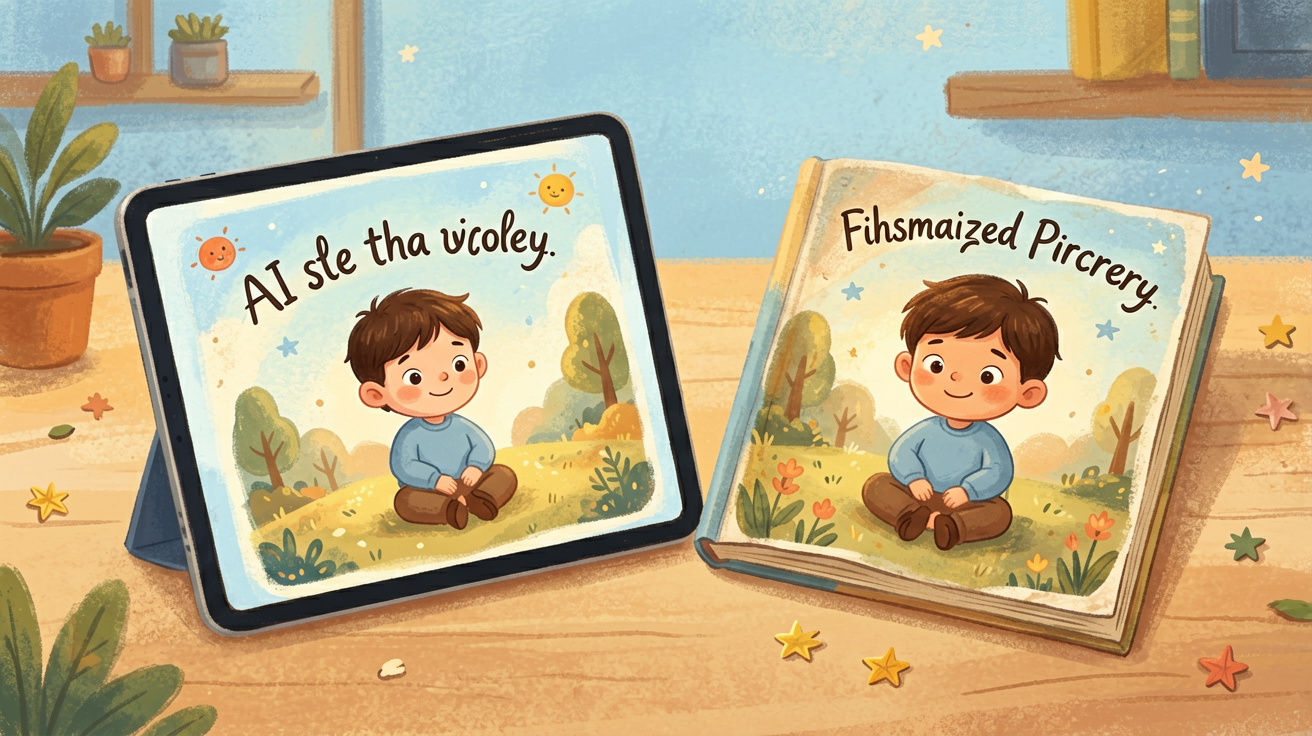
Gemini Storybook is a general AI feature — an impressive one — but it isn't a dedicated personalized-children's-book product. In practice that means the likeness to your actual child can be loose, and the character can drift from page to page: hair, face, and outfit may shift as the story moves along. For a quick story that's fine. For a keepsake that's supposed to be your kid, it matters.
Doodara is built around exactly this problem. From a single uploaded photo, it locks in your child as the hero and keeps that same character consistent across every page — same face, recognizable throughout the book. That consistency is the whole point of a personalized book, and it's where a purpose-built tool tends to pull ahead of a general assistant. (To be fair: Google iterates quickly, and this is the kind of thing that could improve in future updates.)
Art styles and creative control
Gemini's illustrations look pleasant but tend toward a generic, one-size house look, with limited control over the art direction.
Doodara gives you 16 art styles to choose from — watercolor, storybook classic, bold cartoon, anime-leaning looks, and more — so the book matches the mood you want. You can browse the art styles here before you commit. If you care about the feel of the illustrations, not just that they exist, this control is the difference between "a generated story" and "the book I pictured."
Languages
On raw language count, Gemini wins outright — 45+ languages against our ten, and it would be silly to pretend otherwise. The question is whether raw count is the thing that matters, because a children's storybook needs more than translation: it needs to read like a children's book in that language, with the rhythm and vocabulary a five-year-old actually gets read to in.
Doodara generates the actual story text in 10 languages: English, Chinese, Spanish, French, German, Portuguese, Italian, Japanese, Korean, and Arabic. So if home is a French- or Korean-speaking house, the book is written for your child in their language from the start, not English with a translation bolted on.
Editing, flipbook, and a finished, printable keepsake
Here's where the gap is widest, because it's about what you walk away with.
Gemini Storybook gives you a story inside the Gemini app, with read-aloud narration. There's no dedicated editing flow, no flipbook reading experience, and — importantly — no print-ready export or print fulfillment. It's designed as a feature, not a product you turn into a physical book.
Doodara is built to produce a thing you keep:
- An interactive flipbook preview you can page through like a real book.
- A shareable link to send to grandparents.
- A print-ready PDF export, so you can print it at home or through a print service and put it on the shelf. (Here's our guide to printing a personalized children's book.)
- On Pro ($9.99/mo, or $7.99/mo billed yearly): up to 24 pages, audio narration, and video. Premium is $24.99/mo for heavier use.
If your goal is a keepsake — a birthday gift, a bedtime ritual, a printed book — that finished-product pipeline is the reason a dedicated tool exists. You can see real examples in the gallery or start a book in the picture-book creator.
When Gemini Storybook is all you need
This is a genuinely good free feature, and there are real situations where it's the right call:
- You want to experiment. Curious what AI storytelling looks like? Gemini is instant and costs nothing.
- You just want a one-off bedtime story. A quick illustrated tale to read tonight, no keepsake intended.
- You're already living in the Gemini app and don't want another tool.
- The child likeness doesn't matter — you want a story, not a book starring your specific kid.
For those, the free Google option is plenty, and we'd honestly point you to it.
Who should pick which
- Pick Google Gemini Storybook if: you want free, instant, no-strings experimentation, a quick bedtime story, and you don't need a precise likeness, fine art-style control, or a printable book.
- Pick Doodara if: you want your child as the consistent hero across every page, a choice of 16 art styles, your own language, a flipbook plus a print-ready PDF keepsake — and (on Pro) narration and video. It's also free to start with no sign-up, so trying it costs nothing.
For the bigger landscape, see our roundup of the best AI storybook generators of 2026, or other honest comparisons like Doodara vs Lullaby and Doodara vs Childbook AI.
The bottom line
Google Gemini Storybook is free, fast, and a great way to dip a toe in. If you just want to play, start there — no notes. But when you want the book to actually be your child, in your style and your language, and to end up as something printed and kept, that's a different job — and it's the job Doodara was built for.
The best part: you don't have to choose blind. Doodara is free to start with no sign-up, so you can see your child as the hero before deciding anything.
Compare the plans on the pricing page whenever you're ready for narration, video, or a longer 24-page book.
Frequently asked questions
Is Google Gemini Storybook free?
Yes. Gemini's storybook feature is free to use inside the Gemini app. You'll need a Google account to sign in, and as with any Google feature the details may change over time.
Is Doodara free too?
Yes. You can make a complete book on Doodara's standard engine for free — up to 12 pages, no credit card and no sign-up to try at /try. Free books may sit in a queue at busy times. Pro ($9.99/mo, or $7.99/mo billed yearly) unlocks up to 24 pages, audio narration, and video.
Which one keeps my child's face consistent across the pages?
Doodara is purpose-built for this. From one uploaded photo it keeps the same hero recognizable on every page. Gemini Storybook is a general AI feature, so likeness and page-to-page consistency tend to be looser — though Google may improve it over time.
Can I print the book?
Doodara gives you a print-ready PDF export plus a shareable flipbook link, so you can turn the story into a physical keepsake. Gemini Storybook currently has no print-ready export or print fulfillment.
Do I need to sign in?
For Gemini Storybook, yes — you need a Google account. For Doodara, no: you can try it as a guest at /try with no sign-up. You only create an account when you want to save, export, or upgrade.
About the author
Andy — Andy is the founder of Doodara and builds the illustration pipeline behind it — the part that has to keep a child's character looking like the same child on every page of a book. Most of that work is character consistency, content safety for material aimed at young children, and the unglamorous business of making a generated book good enough that a family reads it twice.