Free Storybook Maker
No Sign-Up. No Download.
Use our AI storybook maker to create a storybook from an idea or photo. Generate a free watercolor book and preview it here in your browser.
Free books are for personal use — commercial rights come with Pro, or a one-time unlock per book.
★★★★★ Loved by 2,400+ families this week
Made with Doodara
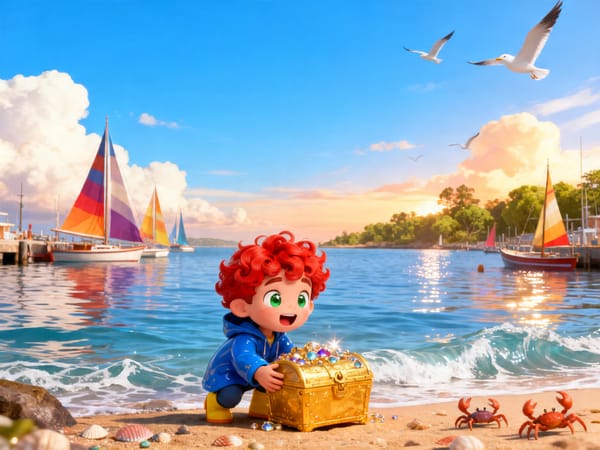
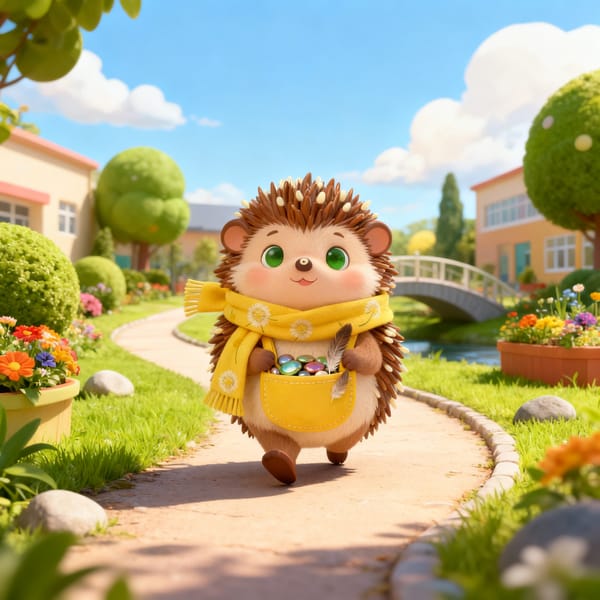

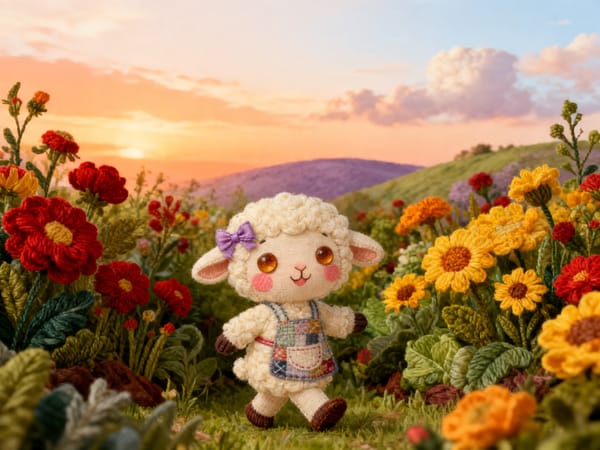
Free picture books to read together
Choose a story about something your child is learning. Each illustrated story is free to read online, with questions to talk about afterward.
Stories About Making Mistakes for Kids
Nutmeg's Happy Accident: An original picture book about making mistakes — free to read aloud tonight.
Stories About Sharing for Kids
Pip's Red Kite: An original picture book about sharing — free to read aloud tonight.
Stories About Feelings for Kids
Theo's Big Feelings: An original picture book about emotions — free to read aloud tonight.
Stories About Making Friends for Kids
Bo Finds a Friend: An original picture book about making friends — free to read aloud tonight.
Stories About Kindness for Kids
Rosie and the Rainy Day: An original picture book about kindness — free to read aloud tonight.
Bedtime Stories for Kids
Winnie's Sleepy Burrow: A gently calming original bedtime story — free to read aloud tonight.
Stories About Being Brave for Kids
Pax Takes the Leap: An original picture book about courage — free to read aloud tonight.
Tools for stories, reading, and play
Plan a story, make time to read it, and explore its words with printable activities. Create your illustrated story with the storybook maker above.
Story Prompt Generator →
A small spark for your next big story. Choose a genre and reader age, then get three ideas you can make your own.
Character Name Generator →
Meet the next character in your story. Find a name that sounds right, then try the small personality hook that comes with it.
Story Map Graphic Organizer →
See how a story fits together. Write short notes in labeled boxes, follow the events in order, and use the finished map to retell or plan a story.
Comic Strip Template →
Give your story room to be drawn. Choose a panel layout, add a few words if you like, and print a page ready for pencils and imagination.
Reading Time Calculator →
Will this story fit before bedtime? Paste your text and choose a pace to plan a reading session, a class activity, or a read-aloud.
Word Search Generator →
Turn the words from a favorite story into a puzzle. Add your vocabulary list, choose a grid, and make a printable activity with an answer key.
Create a storybook, from your idea to illustrated pages
Use the AI storybook maker to create a complete illustrated book in your browser. Start with a character description or an optional photo, choose a story and language, then review the finished pages and read them with your child. You can begin without an account or installing software.
Try a small, specific story idea
A shy little fox wants to join a game at the playground. Write a gentle story for a four-year-old in which the fox practises asking to play. End with one small success, rather than a lesson or a speech.
- Choose one situation: a first school day, taking turns, or settling down at bedtime. A focused idea is easier to turn into a short book.
- Set the reading age and language before generating. Read the finished text yourself and check that the wording suits your child.
- Free books use the standard image model and watercolor style. Creating and reading online is free; premium models, additional styles and print-ready exports depend on the paid option you choose.
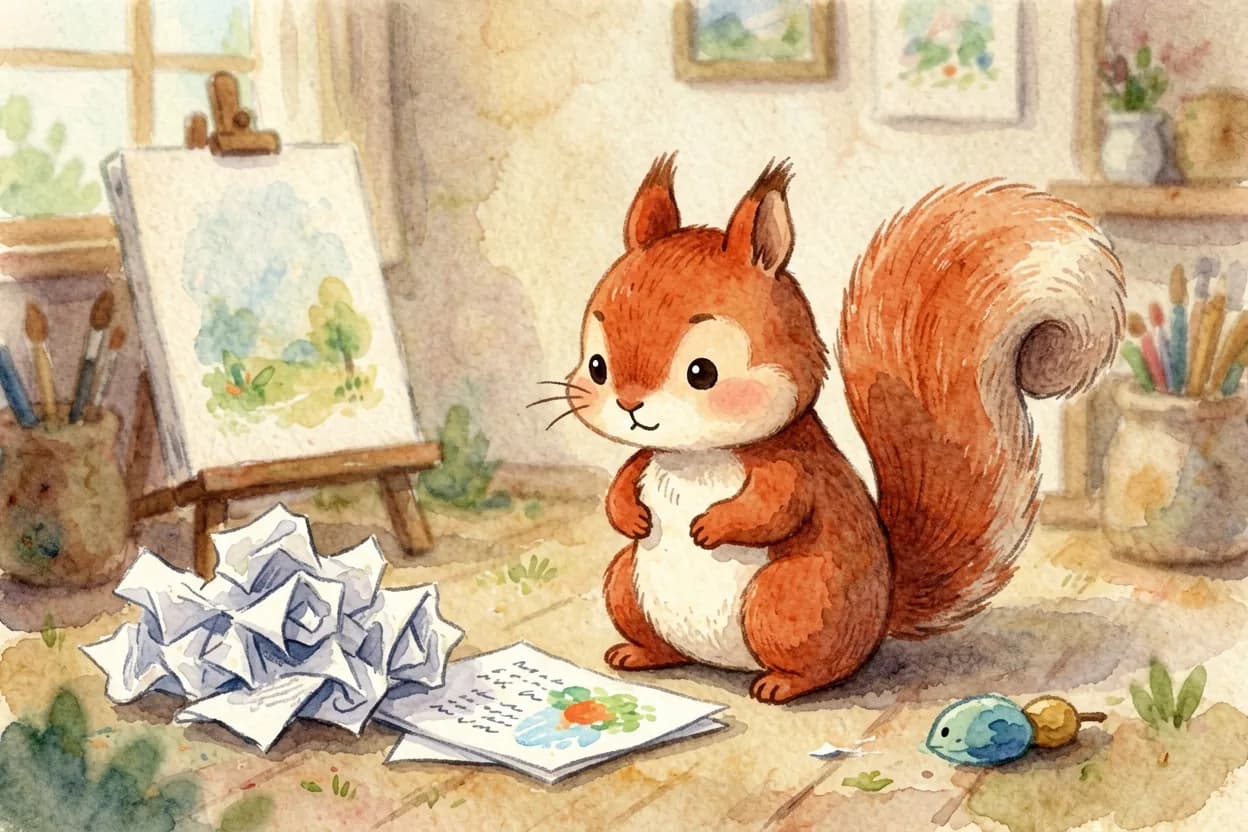
Read a complete story before you start
Nutmeg's Happy Accident is a complete picture book about making mistakes in art. Read how a squirrel turns a painting mishap into something new, then try a small story idea of your own. The story includes discussion questions and activities to use after reading.
Read the illustrated storyHow to make a story starring your childCompare free and paid options
Doodara in Numbers
Which art styles can I use for my storybook?
Choose from 16 styles, including watercolor, crayon, collage, ink wash, 3D, and anime. Free books use watercolor; paid plans unlock every style.
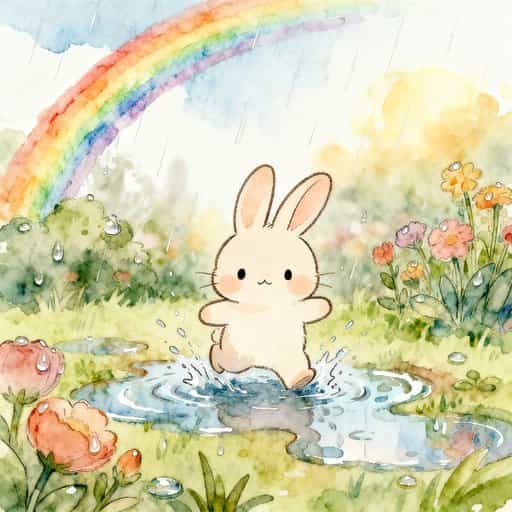
Watercolor
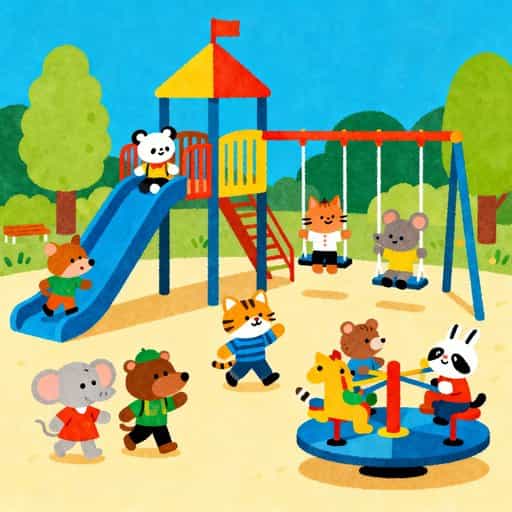
Flat Cartoon
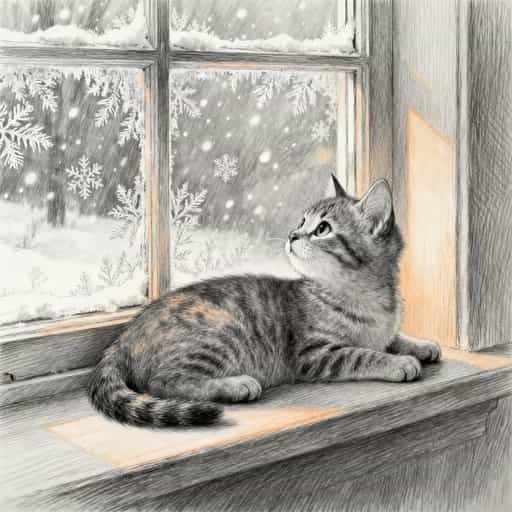
Pencil
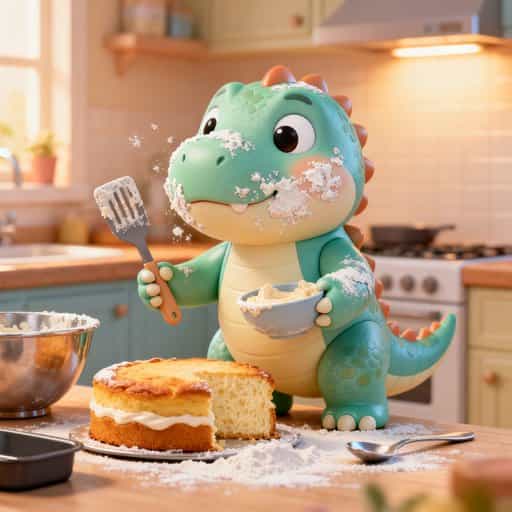
3D Rounded
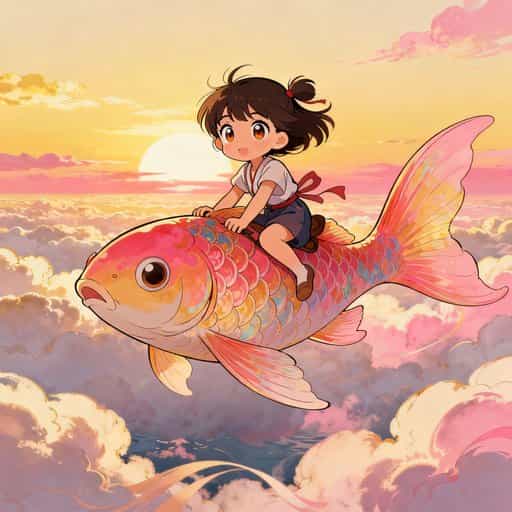
Anime
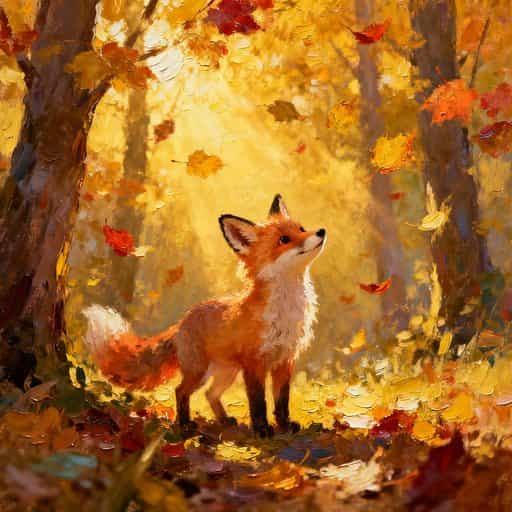
Oil Painting
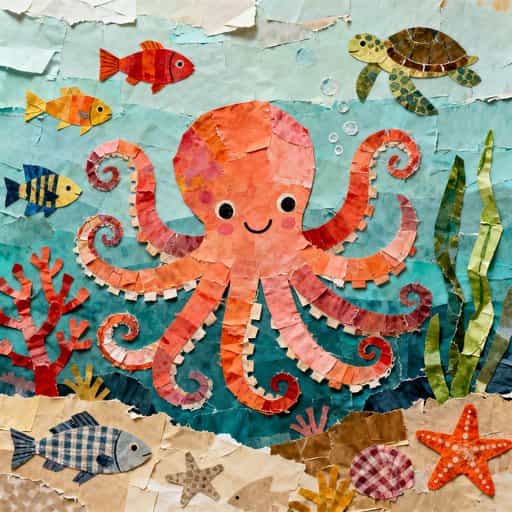
Collage
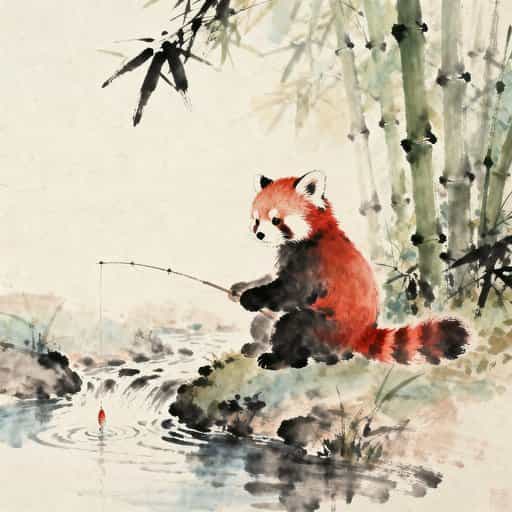
Ink Wash
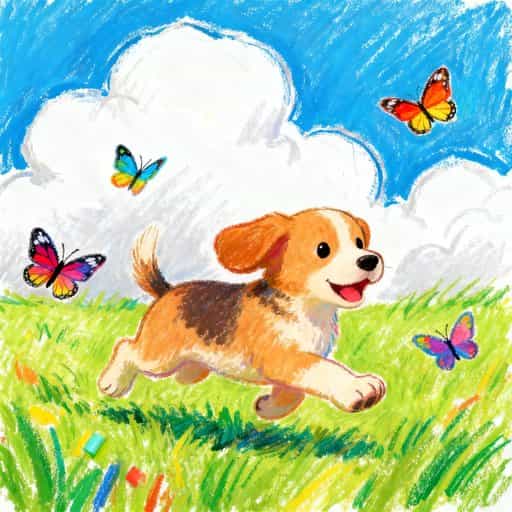
Crayon
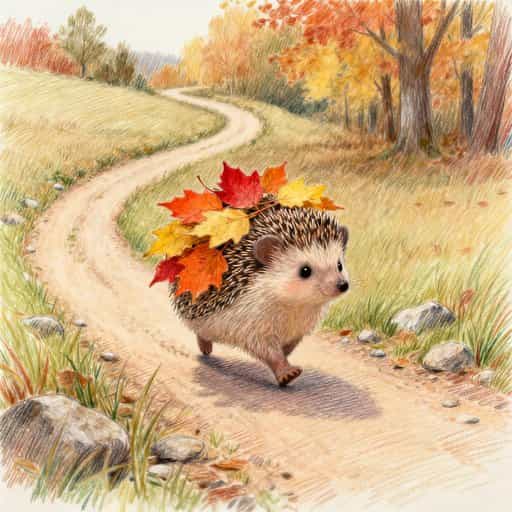
Colored Pencil
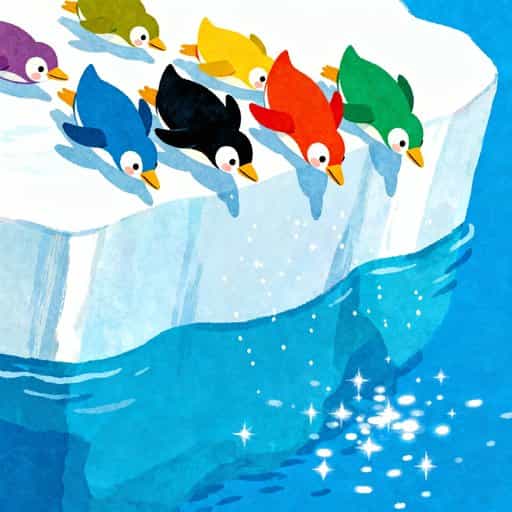
Gouache
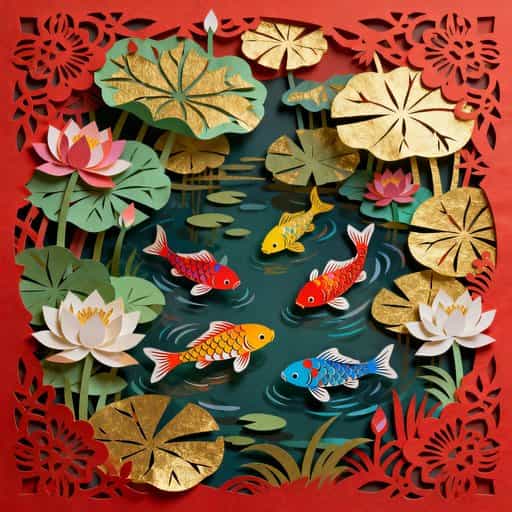
Paper Cut
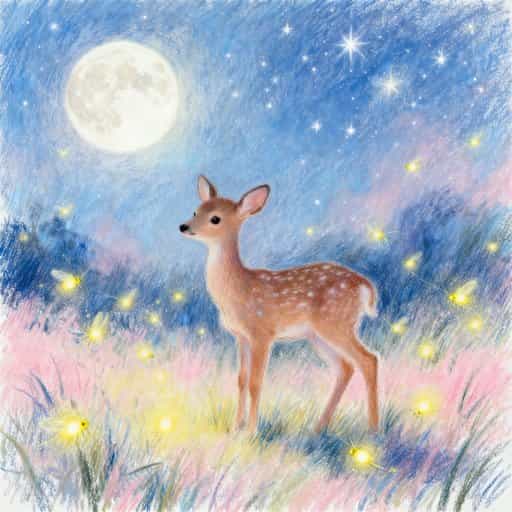
Chalk Pastel

Pixel Art
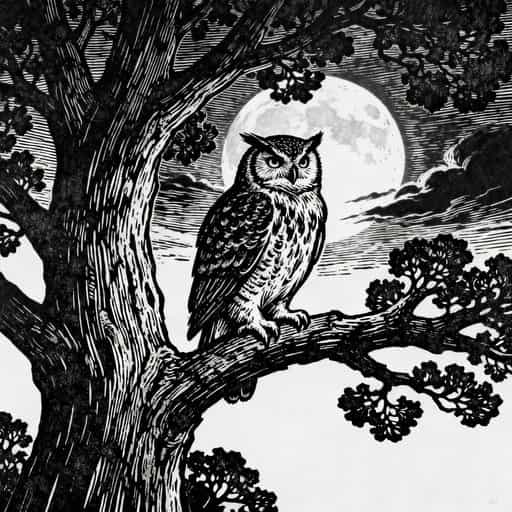
Woodcut
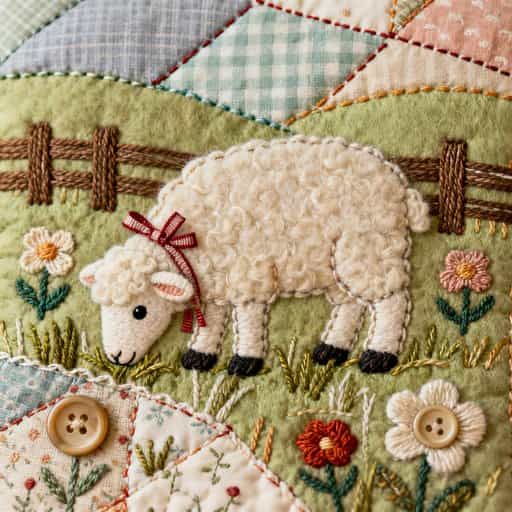
Fabric
How do I make an AI storybook with Doodara?
Enter a story idea, optionally add a photo, and choose your language and art style. Doodara writes and illustrates the book, ready to read as a flipbook and share with a link.
How can I read my storybook with my child?
Read together and invite your child to tell part of the story. Pause to ask what a character might do next, talk about the pictures, and connect the story to familiar experiences.
“In dialogic reading, the adult helps the child become the teller of the story.”Dialogic Reading: An Effective Way to Read Aloud with Young Children
Frequently Asked Questions
Is Doodara really free?
You can turn a story idea into an illustrated watercolor book, read it in your browser, and share a reading link for free. Free books use the standard Doodara model and are for personal use. PDF, EPUB, and image downloads are paid.
Do I need to sign up or create an account?
You can create and read a storybook right here in your browser without an account or an app. Sign in to save the book to your library.
Can I make a storybook without uploading a photo?
Yes. Describe the main character in your story idea and leave the photo field empty. Doodara uses your description to illustrate the character and the story.
Can I keep my storybook out of the public gallery?
Yes. Turn off Public Gallery before you create the book. The book stays out of the gallery and is marked to stay out of search results. Anyone with the direct link can still read it.
Can family read my storybook without an account?
Yes. Open your finished book, choose Share, and copy the link. Family and friends can open it in their browser and read the flipbook without an account.
Can I download a PDF and print my storybook?
Yes. Sign in to export a print-ready PDF with a paid plan or a one-time unlock for that book. You can print the PDF at home, at a copy shop, or through a print service.
How many storybooks can I make?
As many as you like — there's no hard limit on free storybooks. Make a new one for every bedtime, birthday, or classroom lesson.
How long does it take to generate a storybook?
Usually just a few minutes. The AI writes the story and illustrates every page while you watch, and you can edit any page as it appears.
What languages can the storybook be in?
Doodara creates storybooks in 10 languages, including English, Spanish, French, German, Portuguese, Italian, Japanese, Korean, Chinese, and Arabic. Pick your language before you create.
Your child's bedtime story is waiting.
Free to start. No credit card needed.